MINI CAMERA · OFFICIAL APP
Pocket Air
Small in the pocket, serious in the frame.
Join the camera’s own hotspot and the live view streams straight to your phone. Switch between Standard, Thermal Imaging and Night Vision. Let AI read your footage and refine your frame. A small camera, taken seriously.

FEATURES
One pocket camera. Three ways of seeing.
And a layer of AI.
Three shooting modes
Standard, Thermal Imaging and Night Vision sit side by side in the mode bar. Thermal and Night Vision depend on the camera hardware — if your model doesn't support one, the app says so plainly.
Standard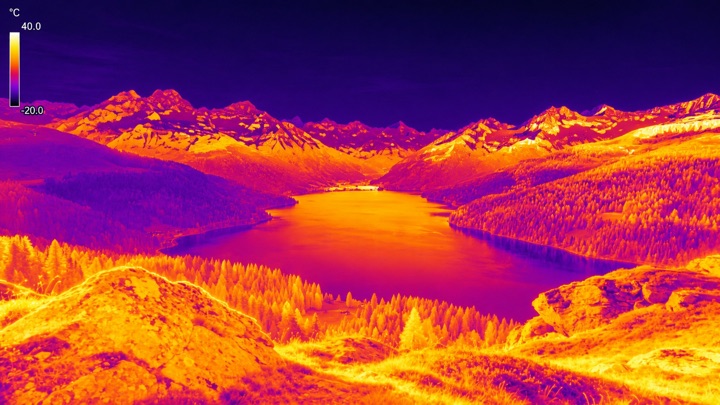 Thermal
 Night Vision
Live over hotspot
Your phone connects straight to the camera's own hotspot, and the live view streams back instantly. No router, no internet — take it out and shoot.
Photo · Video · Gallery
Tap to shoot, hold to record. Everything lands in one gallery — review, filter and delete in a single place.
AI Video Insights
Pick a video in the gallery and run recognition. People, scenes and objects become searchable content tags — so you find footage instead of scrubbing for it.
Live AI Effects
Real-time recognition overlays the live view, with beauty retouch and background blur a toggle away. The frame shows the finished shot before you take it.
AI in the cloud
Bring your own AI API Token to enable cloud features. The service rolls out region by region and is not yet available everywhere — see the manual for details.
PRODUCTS
Built for the field
Three tools, one ecosystem. Each designed to do its job and get out of the way.
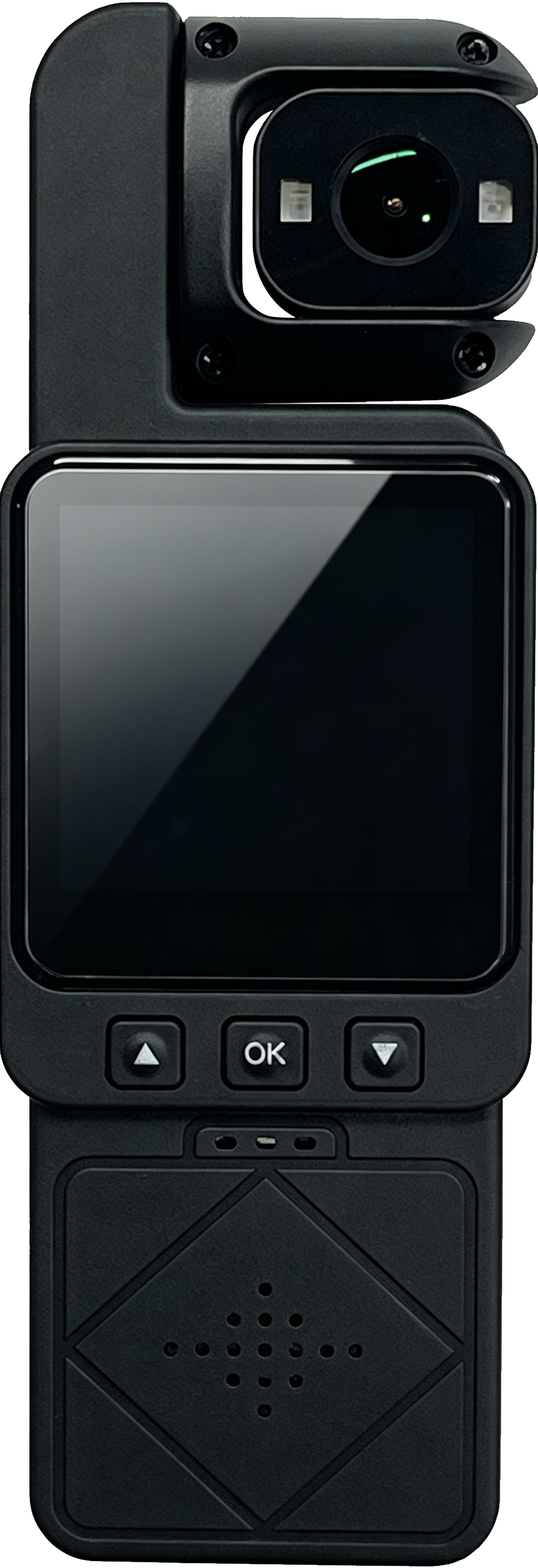
HD AI Camera 1.0a
Single-lens pocket body camera with AI.
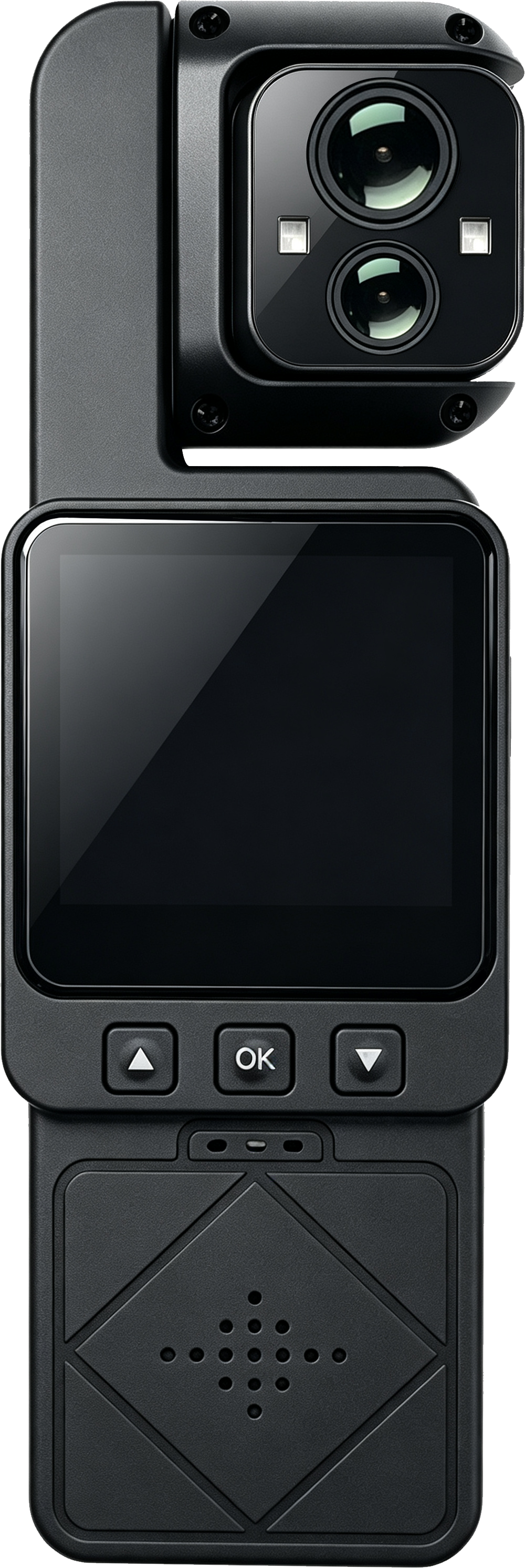
HD AI Camera 1.0b
Dual-lens pocket body camera with AI.
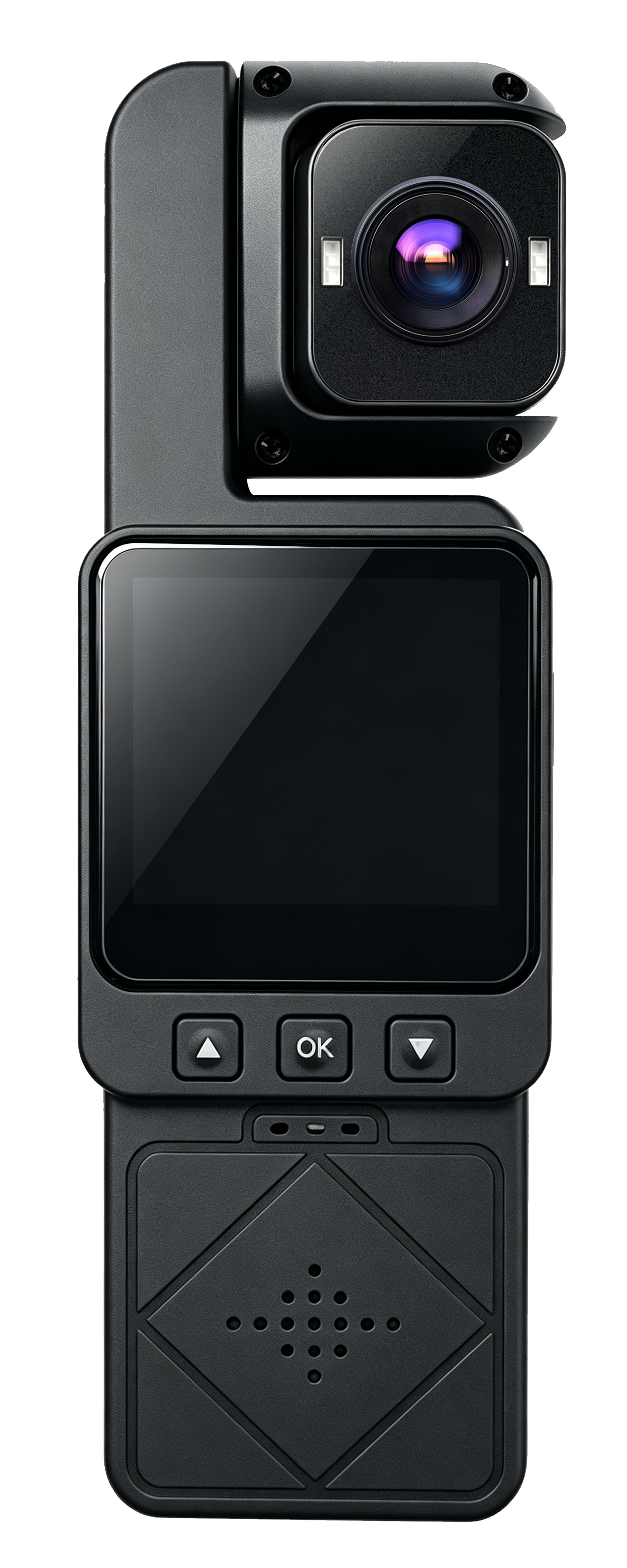
HD AI Camera 1.0c
Dual-lens pocket body camera with AI.
USER MANUAL
From box to live view in three minutes
Power on, join the hotspot, switch modes, configure AI — the manual walks through every step. It is written for internal users; sign in to read it.
Open the manual →